Getting Started
Provides initial procedures for getting started with the device.
Components
|
|
| Wall Bracket | |
| |
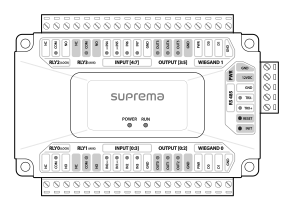
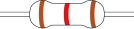
| Door Module | 120 Ω Resistor |

|
|
|
|
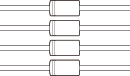
| PVC Anchor x4 | Fixing Screw x4 | Spacer x4 | Diode x4 |


Info
- Components may vary according to the installation environment.
Name and function of each part
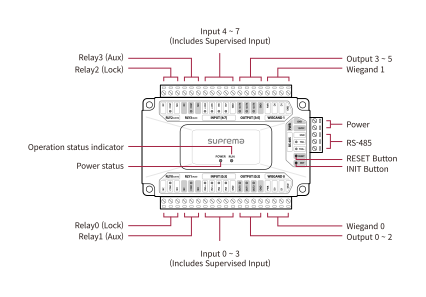
Info
-
Press the INIT button for more than 2 seconds after initializing the product linked to the device to connect it to another device.
-
Press the RESET button to reboot the product.
-
Refer to the LED status below when using Supervised Input.
-
Orange: Short Circuit
-
Red: Short
-
Green: On
-
Off: Off
-
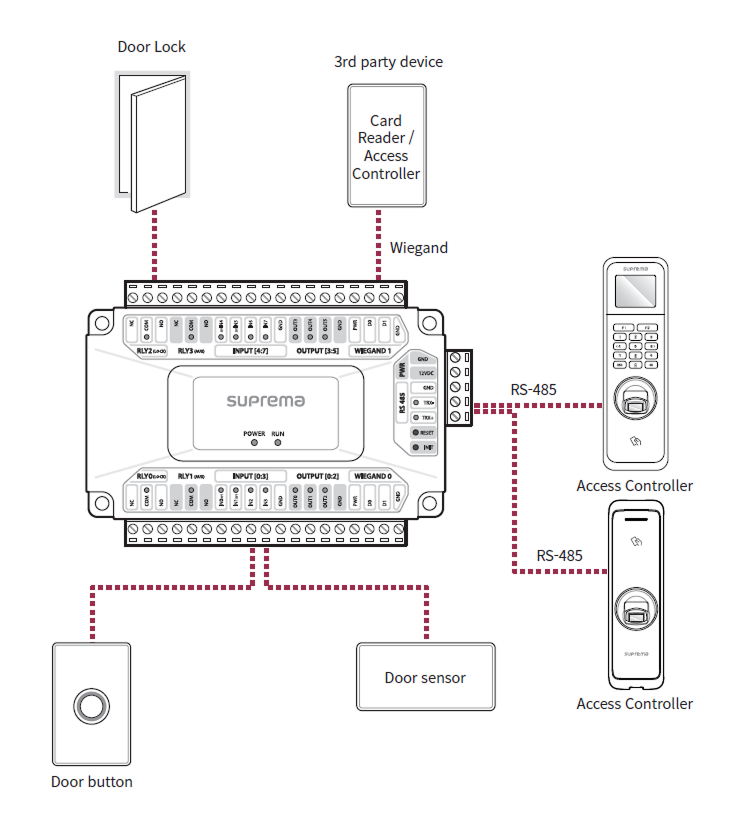
Installation example
This product supports various inputs and outputs as well as Wiegand connections, enhancing scalability with Suprema devices and third-party devices.
Supervised Input is also available, which can check for short circuit, short, On, and Off status.