Set floor access permissions
Register an elevator and define floor levels to restrict the floors that users and groups can access. For each floor level, set access schedules (e.g., during business hours) and holiday policies to manage security and accessibility.
-
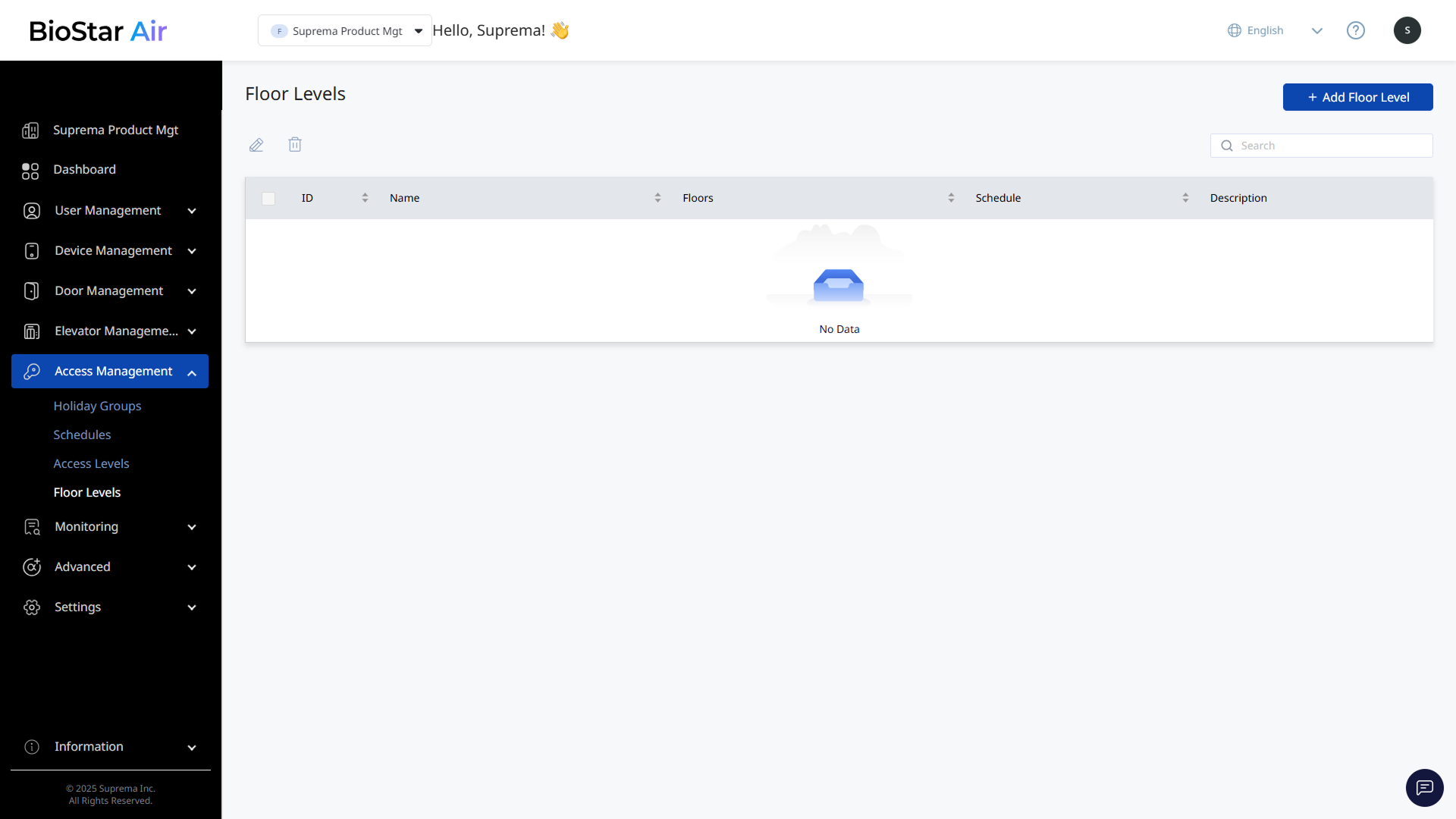
Click Access Management → Floor Levels in the left sidebar.
-
Click Add Floor Level at the top right of the screen.
-
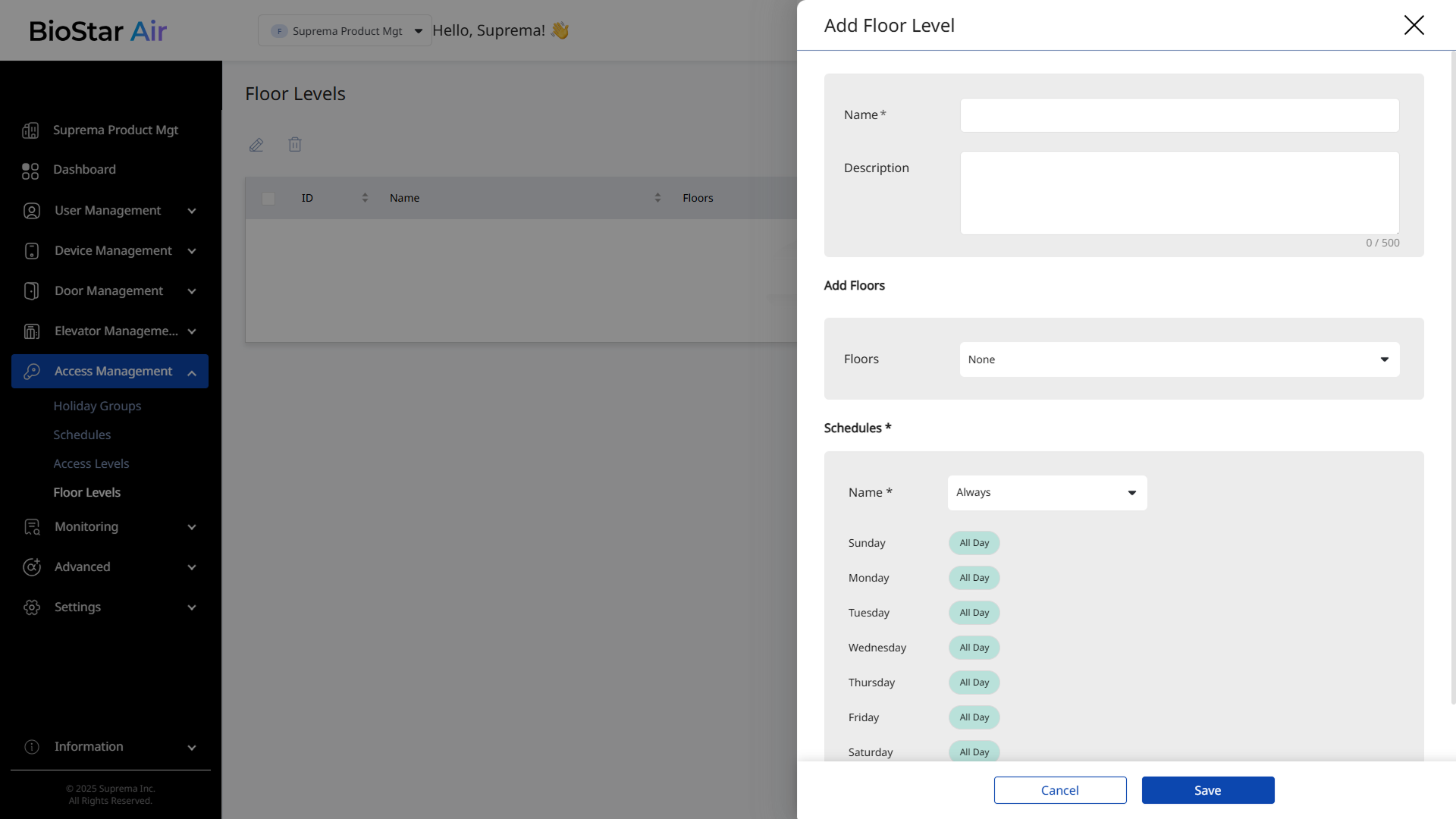
When the Add Floor Level panel appears, enter Name and (optional) Description.
For example, Security team, Cleaning staff
-
In the Add Floors section, select the floors to apply the floor level to.
-
In the Schedules section, set the access schedule.
For example, allow cleaning staff to access only outside working hours.
-
If necessary, add Holiday Groups to restrict access on specific dates.
-
Click Save to add the floor level.
For more information on adding, editing, or deleting floor levels, see Manage Floor Levels.