Check Alert & Report History
Learn how to check the history of alerts and reports generated in BioStar Air. Administrators can view past alerts and generated reports through the web portal and mobile app.
Before start
The alert and report history shows only items generated by the alert and report rules configured in Settings → Alert & Report History. For more information on setting rules for creating alerts and reports, refer to Set Up Alerts and Reports.
Check alert and report history
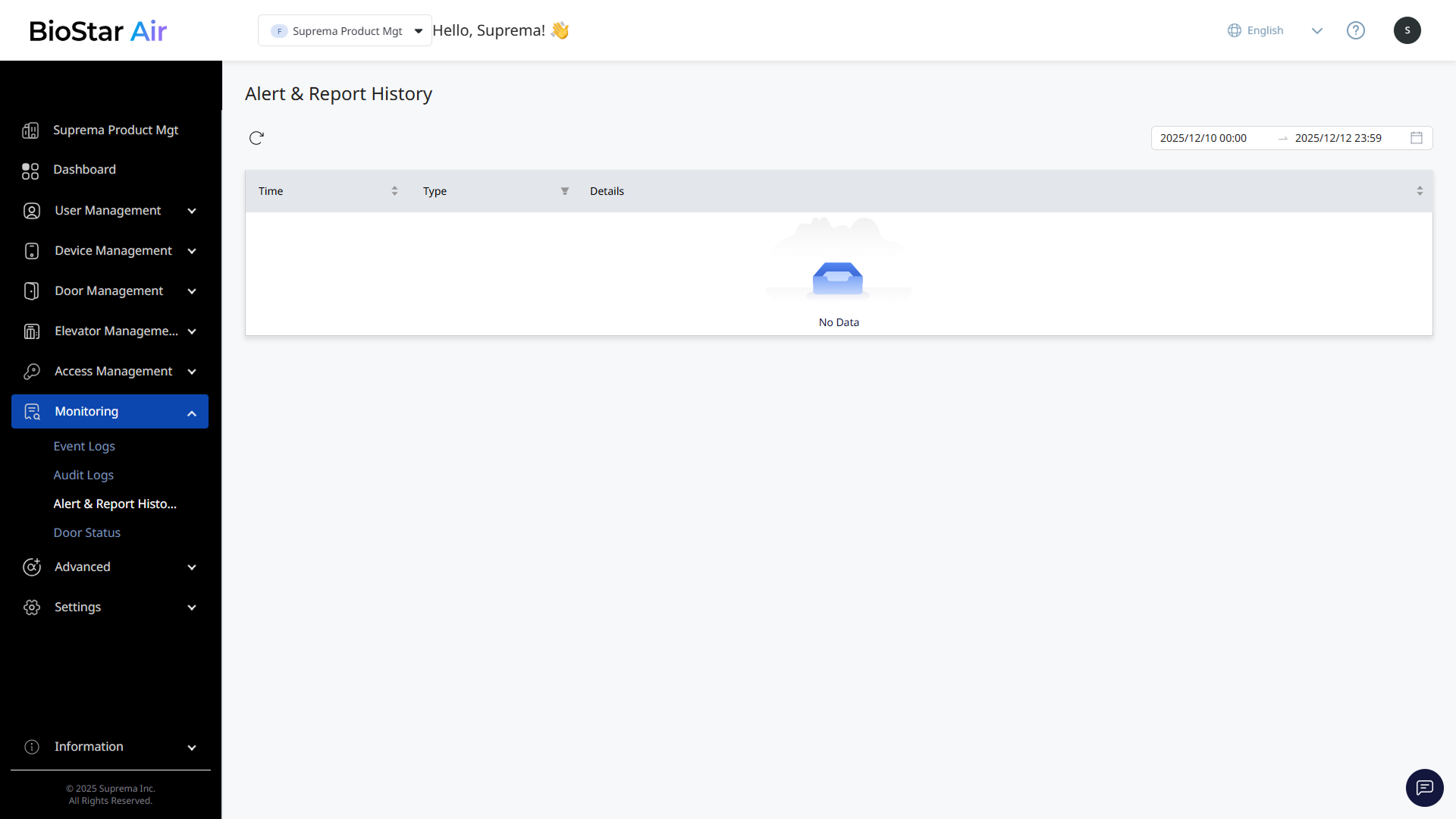
On the left sidebar, click Monitoring → Alert & Report History. The alert and report history appears.
-
View the time, type, and details of each generated alert or report in the list.
-
Click the date range area in the top-right corner of the screen, set the desired period, and filter the alert and report history within that period.
-
Click at the top of the list to refresh the list.