Profile Settings
Site information is the most basic setting in BioStar Air. This guide explains how to manage basic information, such as the site name and identifier, and how to delete a site when necessary.
Set site information
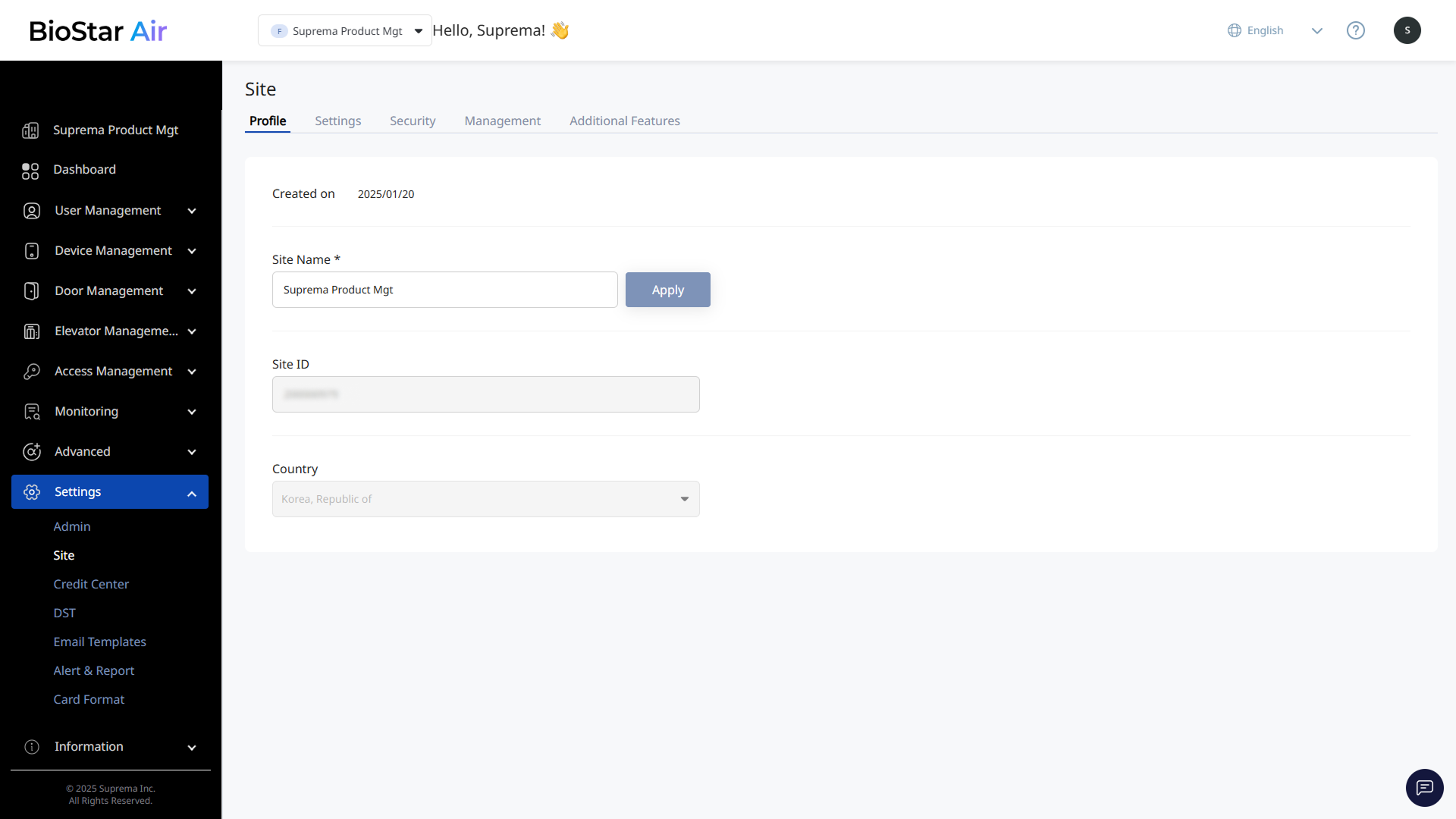
Click Settings → Site in the left sidebar. Use the Profile tab to modify the site's basic information.
-
Site Name: The site name. Enter a new name and click Apply. Change it at any time.
-
Site ID: A unique identifier required for support requests. Copy and provide the site ID when communicating with the MOCA team.
-
Country: Set when the site is created and cannot be changed later. Request changes through the BioStar Air Partner Portal.
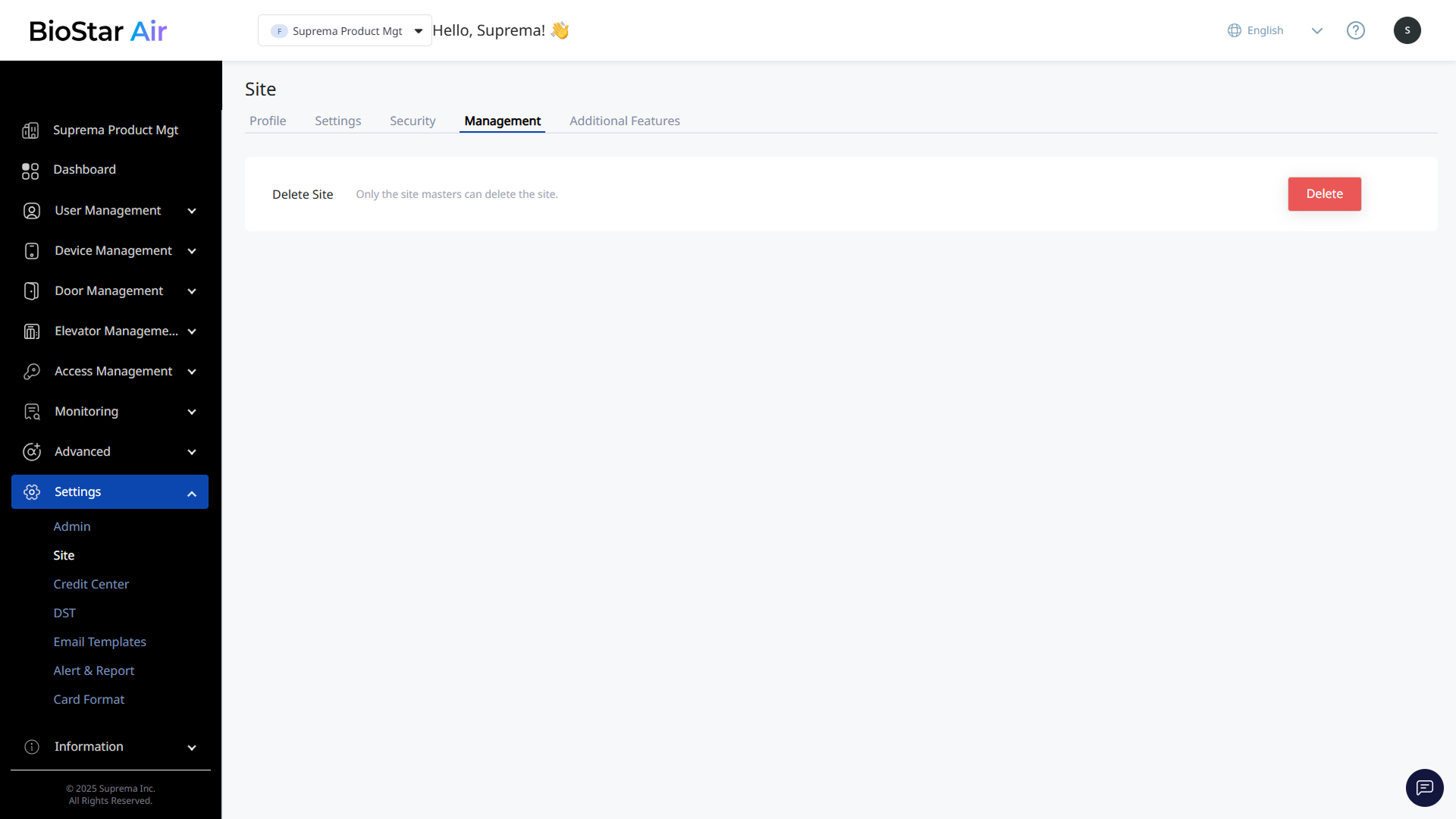
Delete Site
Click Settings → Site in the left sidebar. The only option available in the Management tab is Delete Site. This action is irreversible, and only the master administrator can delete a site.