Delete User
If you need to delete a user registered in BioStar X due to resignation, contract termination, or security violation, follow the steps below.
-
Click User on the Launcher page.
-
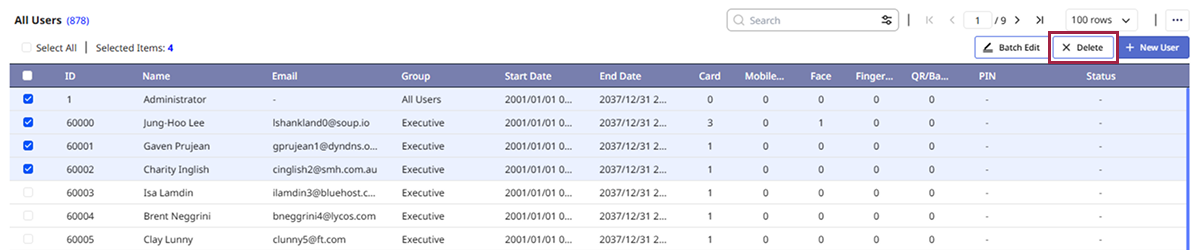
Click the checkbox to the left of the user you want to delete from the user list. You can select more than one user.
-
Click Delete at the top right of the screen.
-
Click Delete to confirm the message appears.
Confirm that the selected user has been deleted from the user list.
Info
-
User with ID
1cannot be deleted. -
For more information on deleting user information from the device, see Manage Users Registered on Device.