Launcher
The Launcher page is the initial BioStar X home page users encounter after logging in, serving as a central hub for accessing BioStar X's main features. This page is designed to allow users to easily navigate and use all features of BioStar X. The UI components of the launcher page are as follows.
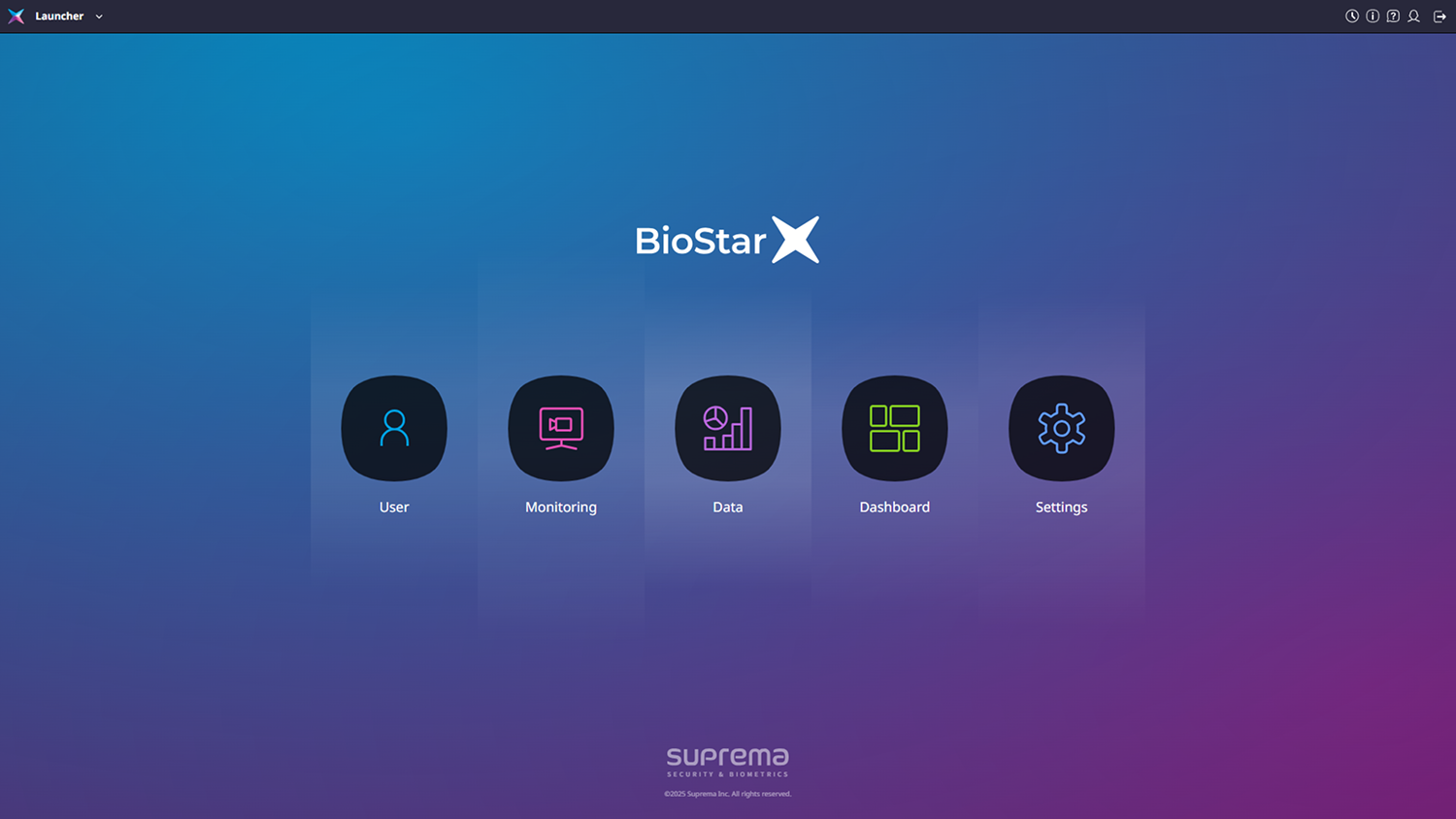
The Launcher page provides links to the User, Monitoring, Data, Dashboard, and Settings pages.
-
User: Efficiently manage users through various features such as user group management, user management, user template management, and checking users by access permissions, thereby enhancing security through permissions. For more information, see User.
-
Monitoring: Monitor doors, devices, video, and events in various ways. Control related features and monitor through real-time video. For more information, see Monitoring.
-
Data: Query user information or events based on desired criteria, and generate reports on a set schedule. For more information, see Data.
-
Dashboard: Users can add and arrange widgets based on data selected from the various data provided by BioStar X to create their desired dashboard. For more information, see Dashboard.
-
Settings: Configure BioStar X optimized for user environments through various settings for devices, access control, user permissions, language, and time. For more information, see Settings.
-
For more information on the header area at the top of the screen, see Learn Common UI.
-
At the bottom of the screen, features installed through additional plugins can be accessed. A plugin license is required to use plugin features.
-
For more information on using plugins, see Plugin.
-
For more information on the licensing policy, see License Policy.
-