Manage Check-In Visitors
Check the visitors in check-in status and modify visit information or process check-out.
-
Click Visitor on the Launcher page.
-
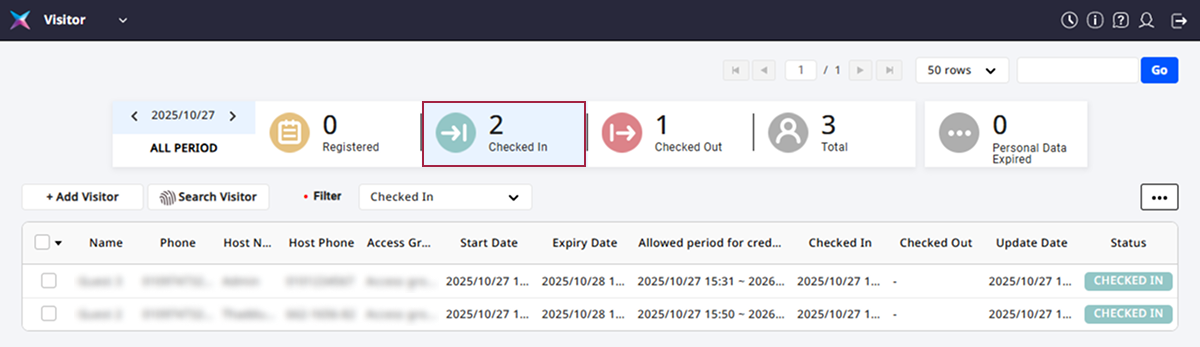
Click the Check in tab at the top of the screen.
-
Click the visitor in the list to modify or check out.
-
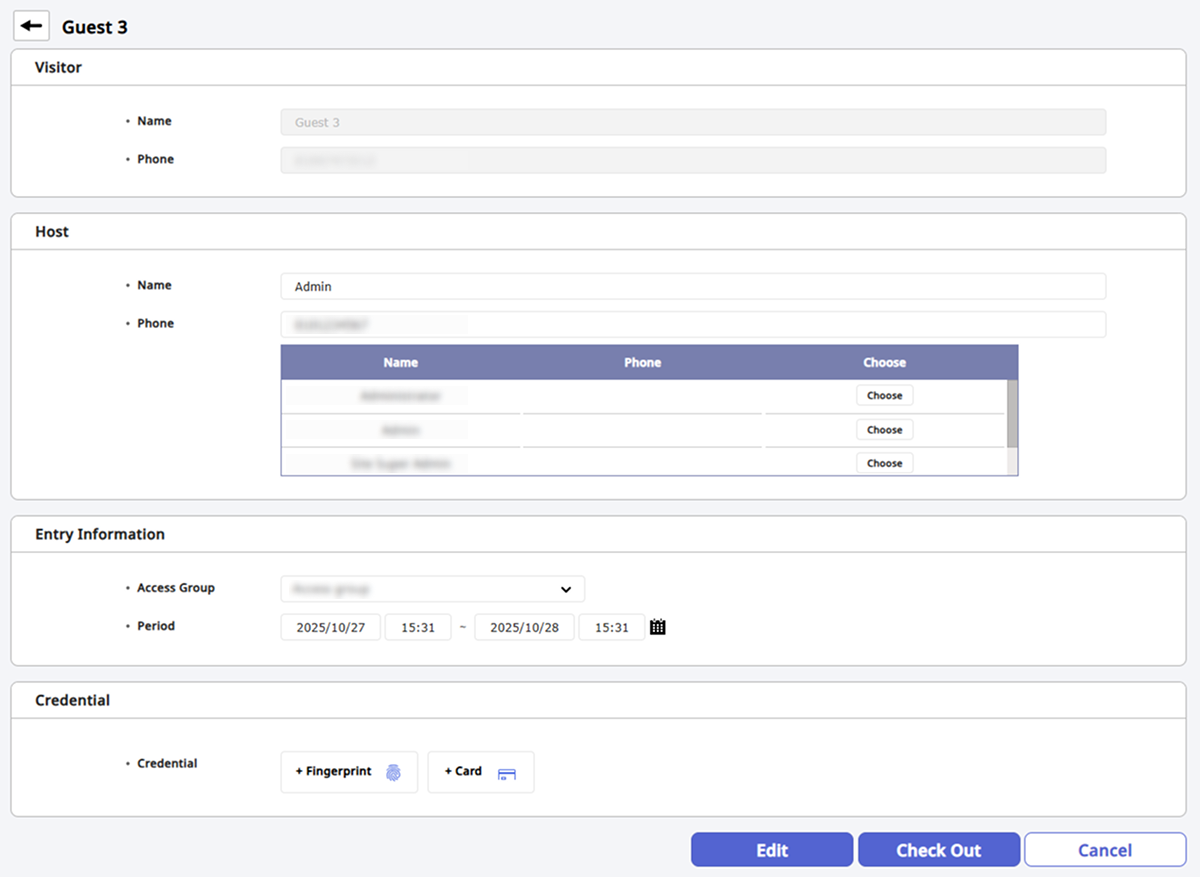
Check the visitor's visit request information.
-
To modify and save individual items, click the Edit button at the bottom right of the screen.
-
To process check-out, click the Check Out button at the bottom right of the screen.
-
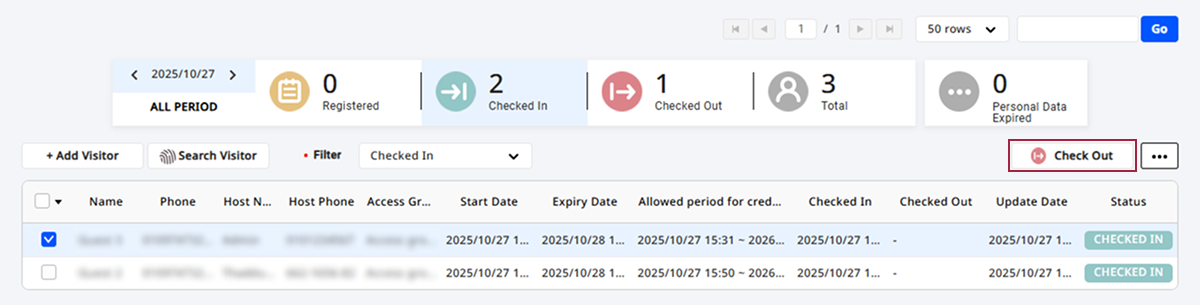
Info
You can also select visitors to check out from the Check in list. Click the checkbox for the visitor to check out in the list and then click the Check Out button at the top right of the screen.